Bug #4157
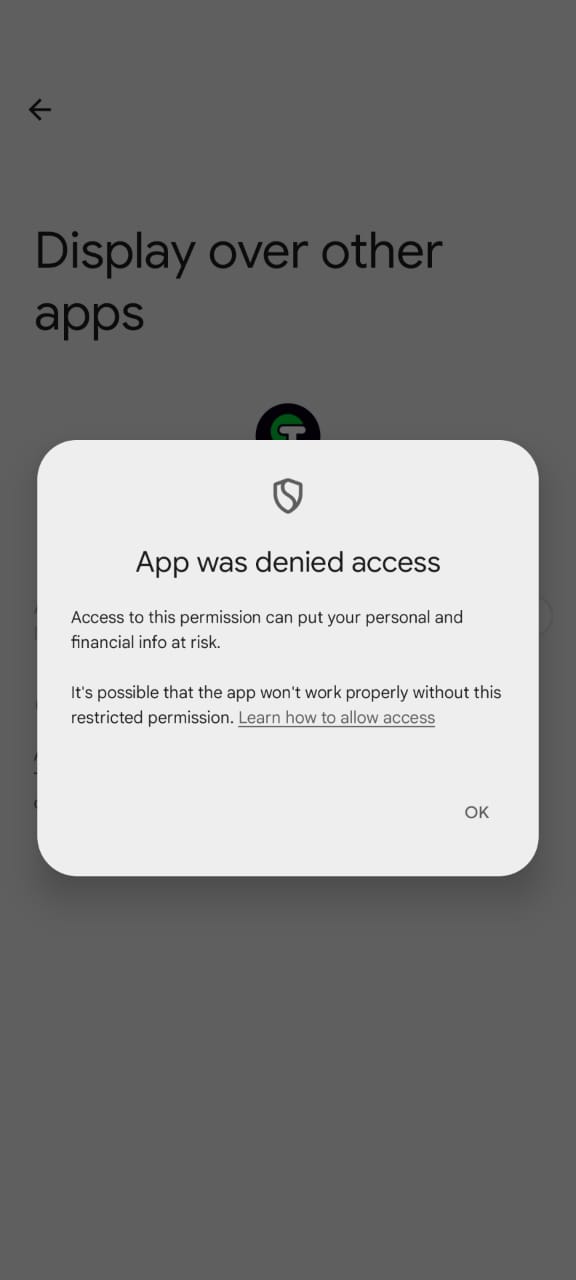
Draw over other apps not able to enable in Driver
90%
Description
Draw over other apps not able to enable in Driver
Specification:
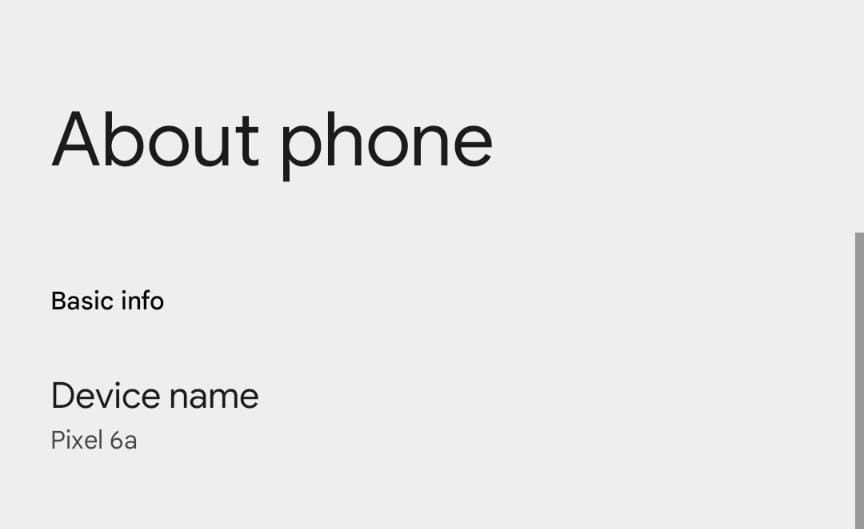
Device : Pixel
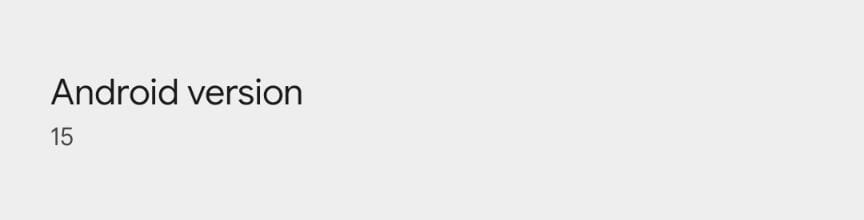
OS : Android 15
Files
.jpeg)
Impact Analysis
Draw over the app screen
Updated by Sreedevi K S about 1 year ago
- Due date set to 02/08/2025
- Start date changed from 01/17/2025 to 02/07/2025
- Branch name set to sprint-26_sreededvi_4157
Updated by Sreedevi K S about 1 year ago
- % Done changed from 0 to 90
- Impact Analysis updated (diff)
Google has restricted SYSTEM_ALERT_WINDOW usage. Many OEMs also have additional security policies preventing direct permission requests.
Enables the permission feature
Updated by Anupama P about 1 year ago
- Due date changed from 02/08/2025 to 02/21/2025
- Status changed from On Hold to In Progress
- Start date changed from 02/07/2025 to 02/18/2025
Updated by Sreedevi K S about 1 year ago
- Status changed from In Progress to Resolved
The inability to grant the SYSTEM_ALERT_WINDOW (draw over other apps) permission on certain devices.
This issue appears to be related to stricter enforcement of this permission in newer Android versions (especially with targetSdkVersion 34) and on Pixel devices.
Alternatives to SYSTEM_ALERT_WINDOW wherever possible. This includes:
The best approach is to avoid using SYSTEM_ALERT_WINDOW if at all possible. It's often misused and there are usually better alternatives. Ask yourself why you need this permission. Common use cases and their better alternatives:
1. Floating Chat Heads/Bubbles: Use the Bubble API (introduced in Android 10). It's specifically designed for this purpose and provides a much better user experience.
2. System-Level Alerts/Overlays: If you absolutely must display something over other apps (e.g., critical alerts), consider using a foreground service with a notification that's highly visible. This is less intrusive and more aligned with Android's design principles.
3.Drawing Over Other Apps (General): If you're drawing something interactive over other apps, explore the OverlayView class or similar approaches that don't require the SYSTEM_ALERT_WINDOW permission. These are more restricted but safer.